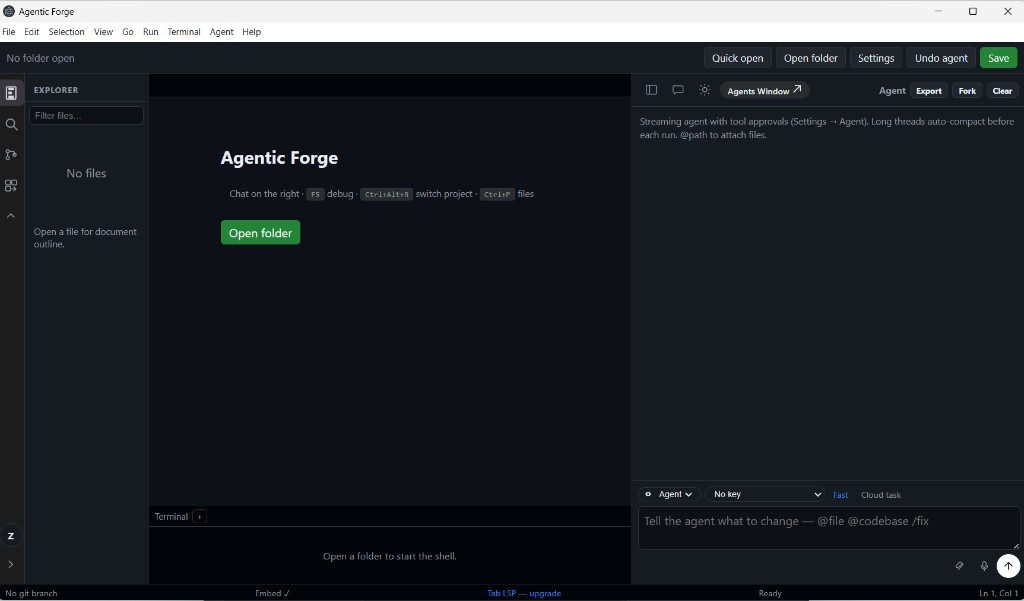
Agentic Forge
Chat on the right · F5 debug · Ctrl+Alt+R switch project · Ctrl+P files
Agentic Forge
Chat on the right · F5 debug · Ctrl+Alt+R switch project · Ctrl+P files
Get started
- Install the Windows application.
- Sign in in the app window on first launch (same free Agentic Build account as the website).
- Open a project folder on your machine; add Pro via Pricing when you want hosted AI.